What it detects
What FileSentinel finds
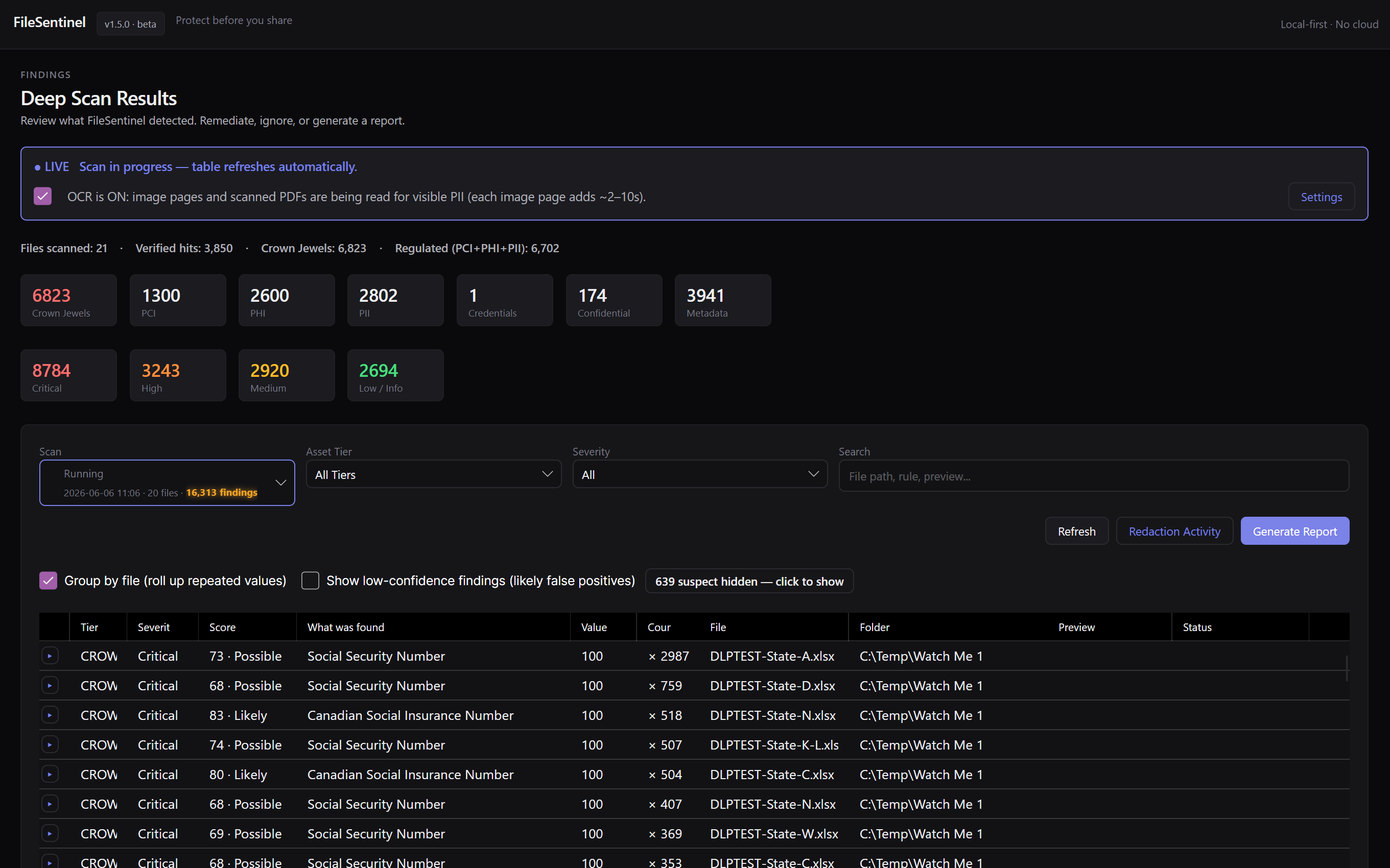
FileSentinel recognises AWS-style access key IDs and the secret values paired with them, plus other high-entropy cloud tokens, across code, config, and documents. Detections are scored by confidence and severity so the most dangerous exposures surface first.
Where it hides
- Source code and scripts
- Config and .env files
- Text and Markdown docs
- Archives and backups
Why it matters
The risk of leaked AWS keys
Exposed cloud keys are routinely scraped and weaponised within minutes, leading to runaway compute charges and data theft. They hide in deployment scripts, .env files, and backups that quietly follow projects around.
- Deployment and infrastructure scripts
- .env and credentials files copied between machines
- Project backups and archives
- Documentation and onboarding notes
How FileSentinel handles it
Built-in detection, scored and local
FileSentinel reads inside your files on your own machine, flags AWS keys with a confidence and severity score, and helps you remediate. Built-in detectors cover the common cases, and a custom rule builder lets you add plain-text or regex detectors for anything specific to your work.
Every finding gets a confidence and severity score, so real AWS keys rise above coincidental matches.
With OCR on, FileSentinel reads text inside images and scanned PDFs, catching AWS keys in screenshots and scans.
Redact values, mark false positives, or export a CSV, HTML, or PDF report, then share with confidence.
Private by design
Your files never leave your PC
Scanning, OCR, and remediation all happen on-device. FileSentinel makes no network connections to do its work, so the very data you are trying to protect never has to leave your machine to be checked. No server, no cloud, no upload step.
- 0 bytes uploaded
- No account required
- Works offline
More FileSentinel scanners
Find AWS keys FAQ
How do I find aws keys & cloud secrets in my files on Windows?
Install FileSentinel from the Microsoft Store, point it at a folder or drive, and start a scan. FileSentinel reads inside your files, flags aws keys & cloud secrets, and scores each finding by confidence and severity so the real risks rise to the top.
Is scanning for aws keys & cloud secrets private?
Yes. FileSentinel runs entirely on your device. Scanning, OCR, and remediation all happen locally with no uploads and no cloud, so the data you are trying to protect never has to leave to be checked.
Does FileSentinel detect both the key ID and the secret?
Yes. It recognises AWS access key IDs by format and flags the high-entropy secret values that accompany them, scoring each so a real, active credential outranks an example string.
What file types does FileSentinel check for aws keys & cloud secrets?
FileSentinel reads inside documents, spreadsheets, text, and PDFs, and with OCR enabled it reads text inside images and scanned PDFs too, so aws keys & cloud secrets captured in a screenshot or scan is caught as well.